JSON Formatter & Validator
Paste your JSON below to format, validate, and beautify it instantly. Supports formatting, minification, and detailed error detection.
What is JSON?
JSON (JavaScript Object Notation) is a lightweight data interchange format that is easy for humans to read and write, and easy for machines to parse and generate. It is based on a subset of JavaScript but is language-independent, making it the universal standard for APIs, configuration files, and data storage.
JSON is built on two structures: a collection of key/value pairs (objects, written as
{"key": "value"})
and an ordered list of values (arrays, written as
["a", "b", "c"]).
This makes it flexible enough to represent virtually any data structure.
How to Use This JSON Formatter
- Paste your raw or minified JSON into the input area above.
- Click Format / Beautify to indent it with 2-space indentation and apply syntax highlighting.
- Click Minify to compress it into a single line — ideal for production APIs and reducing payload size.
- If your JSON contains errors, the tool shows the exact error message with line and column numbers to help you locate the problem.
- Use the Copy button to copy the formatted result to your clipboard.
Common JSON Errors and How to Fix Them
- Trailing commas:
{"key": "value",}— JSON does not allow a trailing comma after the last item in an object or array. Remove it. - Single quotes: JSON requires double quotes for all strings.
'value'is invalid; use"value". - Unquoted keys: All object keys must be quoted strings.
{key: "value"}is invalid; use{"key": "value"}. - Comments: JSON does not support
//or/* */comments. Remove any comments before parsing. - Undefined and NaN: These JavaScript values are not valid JSON primitives. Use
nullinstead.
JSON vs Other Data Formats
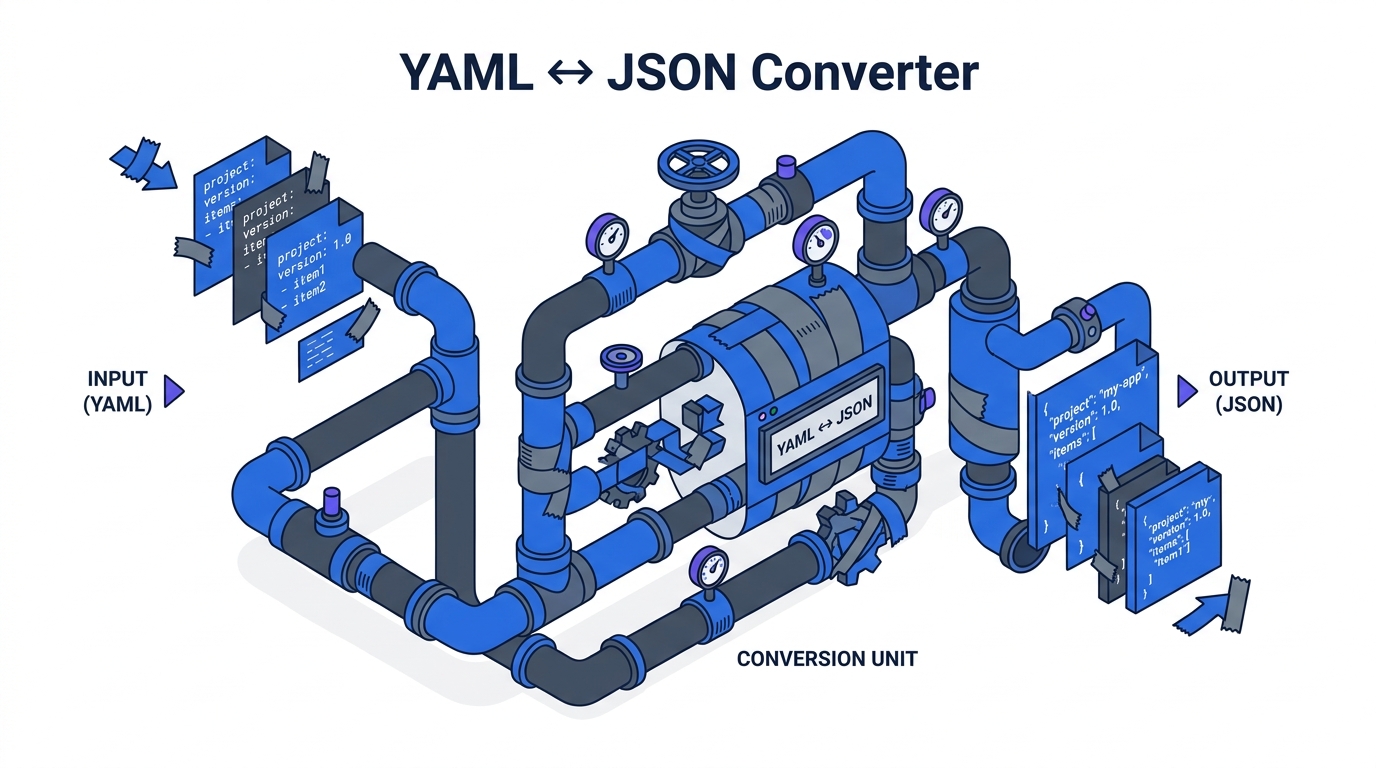
JSON competes with XML and YAML for structured data exchange. JSON wins on simplicity and ubiquity for REST APIs. YAML adds support for comments and multi-line strings, making it popular for configuration files (Kubernetes, GitHub Actions, Docker Compose). XML remains common in enterprise integrations and SOAP APIs. For most modern web APIs, JSON is the default choice.
JSON in Practice
JSON is used everywhere in modern software development: REST API responses, configuration files
(package.json,
tsconfig.json),
databases (PostgreSQL JSONB, MongoDB), message queues, and frontend state management.
Understanding how to format and validate JSON is a foundational skill for any developer or DevOps engineer.