Debugging JWT Authentication Errors: A Developer's Field Guide
Published jwtnodejsauthenticationdebugging
Your auth is broken in production. Users are getting 401s. The error message says JsonWebTokenError: invalid signature. Is it the token? The secret? The algorithm? A clock issue? JWT errors are notoriously opaque — the same error class covers a dozen different root causes. This guide is the field guide you reach for when JWT auth breaks.
The 5 JWT Errors and How to Fix Them
Error 1 — TokenExpiredError: jwt expired
The exp claim in the token is a Unix timestamp in the past. This is the most common JWT error and usually the most straightforward.
Fix: Issue a new token via a refresh flow, or increase your token lifetime if it’s too short for your use case.
Debug: Decode the token and check exp. Convert it to human-readable time to confirm:
// Node.js jsonwebtoken
try {
  const payload = jwt.verify(token, secret);
} catch (err) {
  if (err.name === 'TokenExpiredError') {
    console.log('Expired at:', new Date(err.expiredAt));
    // Trigger token refresh
  }
}
Error 2 — JsonWebTokenError: invalid signature
The signature verification failed. Three common causes, in order of frequency:
- Wrong secret or key — the secret used to verify doesn’t match the one used to sign. Check for environment variable mismatches between services.
- Algorithm mismatch — token was signed with
RS256(asymmetric) but the verifier is configured to expectHS256(symmetric), or vice versa. - Token tampering — payload was modified in transit (rare in practice, but check if you’re manipulating tokens anywhere).
Start by reading the header to confirm the algorithm before assuming the secret is wrong:
// Decode header without verifying — safe to do for inspection
const [headerB64] = token.split('.');
const header = JSON.parse(Buffer.from(headerB64, 'base64url').toString());
console.log('alg:', header.alg); // confirm HS256 vs RS256
Error 3 — JsonWebTokenError: jwt malformed
The token doesn’t have three dot-separated parts, or one of the parts isn’t valid base64url. Usually a transport problem, not a signing problem.
Common culprits:
- The
Bearerprefix wasn’t stripped before passing tojwt.verify() - Token was truncated in storage (check your database column length — JWTs can exceed 255 chars)
- URL encoding mangled the dots or padding characters
// Strip Bearer prefix before verifying
const token = authHeader?.replace(/^Bearer\s+/i, '') ?? '';
If you’re storing JWTs in a database, make sure the column is TEXT not VARCHAR(255).
Error 4 — NotBeforeError: jwt not active
The nbf (not before) claim is set to a timestamp in the future. The token exists and is valid — it just isn’t active yet.
This comes up when issuing tokens for delayed activation (e.g. a scheduled invitation link), or from clock skew between the issuing service and the verifying service. Check the nbf value in the token against the current server time.
Error 5 — Clock Skew / iat in the Future
Closely related to Error 4. If the issuing server’s clock is even slightly ahead of the verifying server’s clock, tokens can fail with “not active” errors or behave unexpectedly because iat appears to be in the future.
The jsonwebtoken library accepts a clockTolerance option for exactly this:
jwt.verify(token, secret, { clockTolerance: 30 }); // allow 30s skew30 seconds is a reasonable default. NTP sync between your services eliminates this entirely — but clock tolerance is a useful safety net.
Debug Workflow
When JWT auth breaks in production, work through this checklist before touching code:
- Decode the token first — inspect
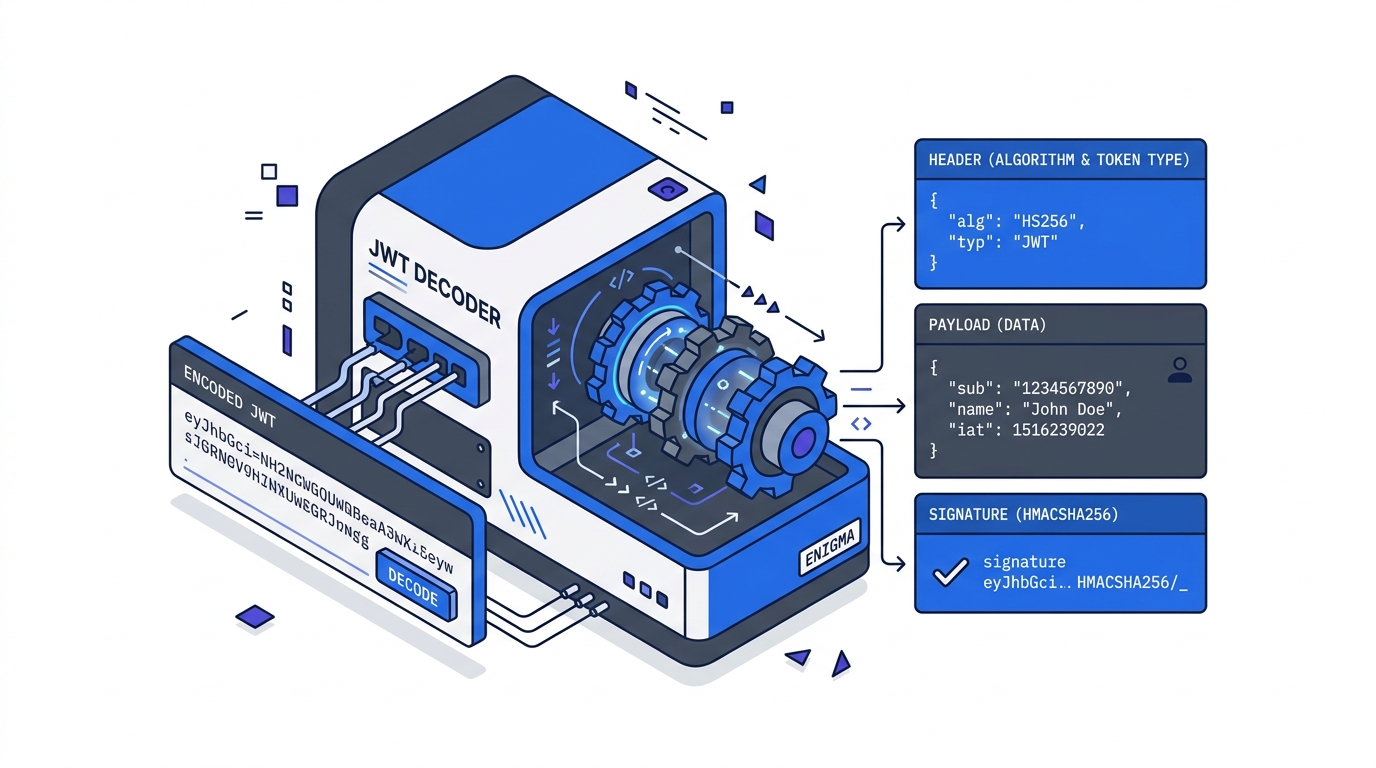
alg,exp,iss,audwithout verifying. When JWT auth breaks, the fastest first step is inspecting what’s actually in the token — paste it into our online JWT decoder to see the exact claims and expiry without any setup. - Is
expin the past? — refresh the token. Check your refresh flow if this is happening unexpectedly soon. - Does
algmatch your verifier config? — fix the algorithm setting on whichever side is misconfigured. - Is the token malformed? — trace how it’s being passed: Authorization header stripping, storage column length, URL encoding.
- Are clocks in sync? — add
clockToleranceas a short-term fix; schedule NTP sync as the long-term fix.
Most JWT bugs are configuration and transport issues, not cryptographic ones. The token itself usually tells you what’s wrong — you just need to read it.
Related Tutorials
- JWT Explained: What’s Actually Inside a JSON Web Token — what
alg,exp,iss, andaudactually mean - Implementing JWT Authentication in Node.js — the full login → protected route → refresh token flow this guide debugs
- JWT Security Pitfalls Every Developer Should Know — the bugs caused by bad defaults, not buggy code
Further Reading
Try it in your browser
No setup needed — use our free JWT Decoder directly online.