JWT Security Pitfalls Every Developer Should Know
Published jwtsecurityauthenticationwebdev
JWT adoption exploded because they’re stateless and elegant. They also come with a set of security footguns that have bitten real production systems. The alg:none vulnerability bypassed authentication in multiple widely-used libraries. Storing PII in payloads has leaked user data. Missing exp validation has left tokens valid forever. This guide covers the five pitfalls that actually get applications breached.
Pitfall 1 — The alg:none Attack
Some early JWT libraries accepted "alg": "none" in the header as a valid algorithm, meaning no signature was required. An attacker could:
- Decode any JWT (the payload is just base64)
- Modify the payload (change
role: "user"torole: "admin") - Re-encode with
"alg": "none"and an empty signature - The vulnerable library would accept it as valid
// ❌ Vulnerable: trusting the token's own alg header
const decoded = jwt.verify(token, secret, { algorithms: [decoded_header.alg] });

// ✅ Fix: always specify allowed algorithms explicitly
const decoded = jwt.verify(token, secret, { algorithms: ['HS256'] });
Always pass an explicit algorithms allowlist to jwt.verify(). Never derive the algorithm from the token itself.
Pitfall 2 — Weak or Hardcoded Secrets
HS256 JWTs signed with a weak secret (e.g. "secret", "password", the app name) can be brute-forced offline. An attacker only needs one valid token.
// ❌ Weak secrets
const secret = 'secret';
const secret = 'myapp';

// ✅ Use a cryptographically random secret of at least 256 bits
const secret = crypto.randomBytes(32).toString('hex'); // generate once, store in env
For asymmetric algorithms (RS256, ES256), use key pairs — the private key signs, the public key verifies. The public key can be shared safely.
Pitfall 3 — Sensitive Data in Payloads
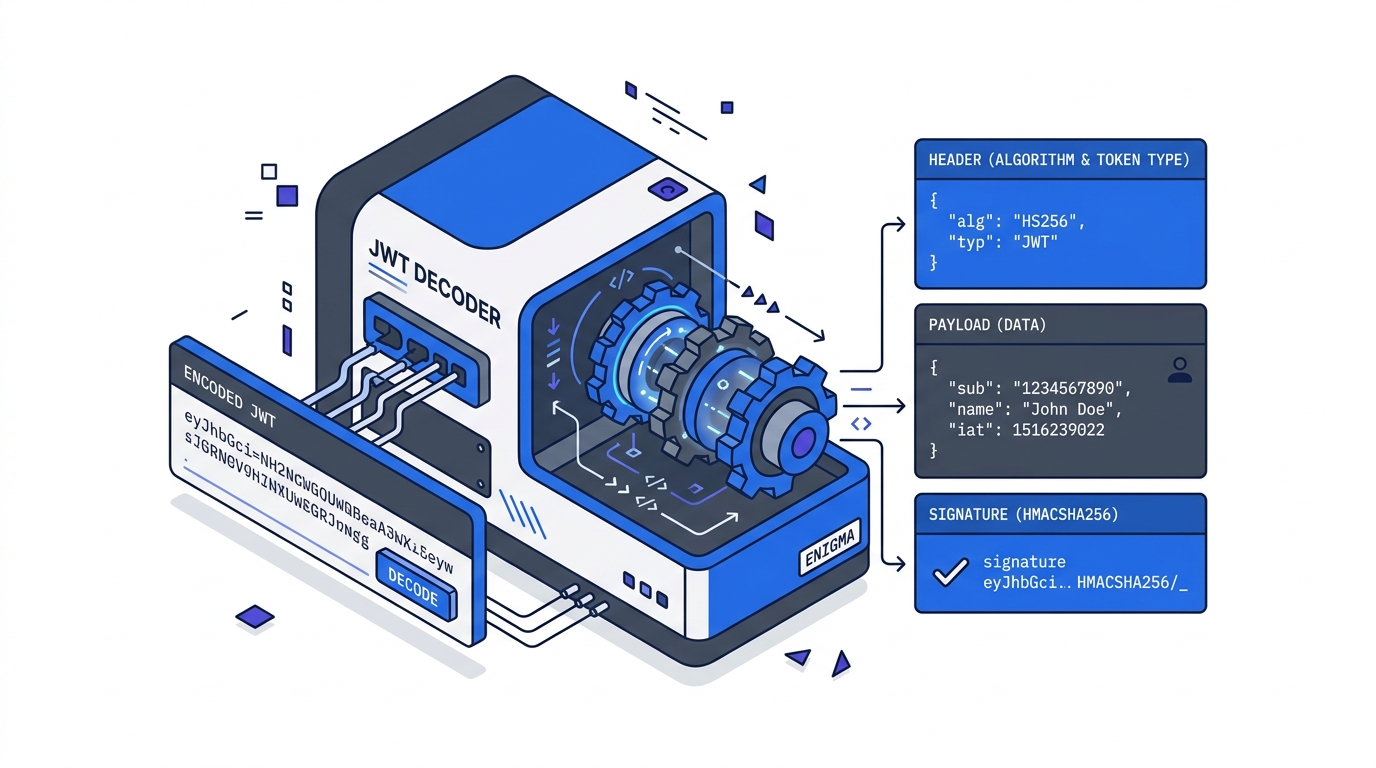
JWTs are signed, not encrypted. Anyone who intercepts the token can decode the payload in one line. This gets developers because the token “looks” like garbled text.
// Anyone can run this on your token:
JSON.parse(atob(token.split('.')[1]));
// → { userId: 1, email: "user@example.com", role: "admin", creditCard: "4111..." }
Rule: put only non-sensitive identifiers in the payload (userId, role, sessionId). Never put passwords, PII beyond what’s essential, payment data, or secrets.
If you need encrypted payloads, use JWE (JSON Web Encryption) — a different spec to JWT.
Pitfall 4 — Missing or Ignored exp Validation
If you decode a JWT without verifying the signature AND without checking exp, stolen tokens are valid forever.
// ❌ Decoding without verification — fine for debugging, catastrophic in prod
const payload = JSON.parse(Buffer.from(token.split('.')[1], 'base64url'));

// ✅ Always verify — jsonwebtoken checks exp automatically
const payload = jwt.verify(token, secret); // throws TokenExpiredError if exp is past
Also: set reasonable token lifetimes. Access tokens: 15 minutes to 1 hour. Refresh tokens: days to weeks with rotation.
Pitfall 5 — Storing JWTs in localStorage
localStorage is accessible to any JavaScript on the page, including injected scripts from XSS attacks. A single XSS vulnerability can exfiltrate every stored token.
| Storage | XSS risk | CSRF risk | Verdict |
|---|---|---|---|
localStorage | High | Low | ❌ Avoid for auth tokens |
sessionStorage | High | Low | ❌ Same as localStorage |
httpOnly cookie | None | Medium | ✅ Preferred for access tokens |
| Memory (JS variable) | Low | Low | ✅ For short-lived tokens |
Use httpOnly; Secure; SameSite=Strict cookies for auth tokens. Add CSRF protection if needed.
Before deploying, use our JWT token decoder to audit what data you’re actually putting in your token payloads — it’s easy to accidentally include more than intended.
Related Tutorials
- JWT Explained: What’s Actually Inside a JSON Web Token — the structure underneath every pitfall in this guide
- Implementing JWT Authentication in Node.js — apply these pitfalls in a real Express middleware and refresh token flow
- Debugging Common JWT Errors — the five-step triage when auth breaks in production
Further Reading
Try it in your browser
No setup needed — use our free JWT Decoder directly online.