Conditional Access: What Shadow Mode Will Reveal Before You Enforce
Published
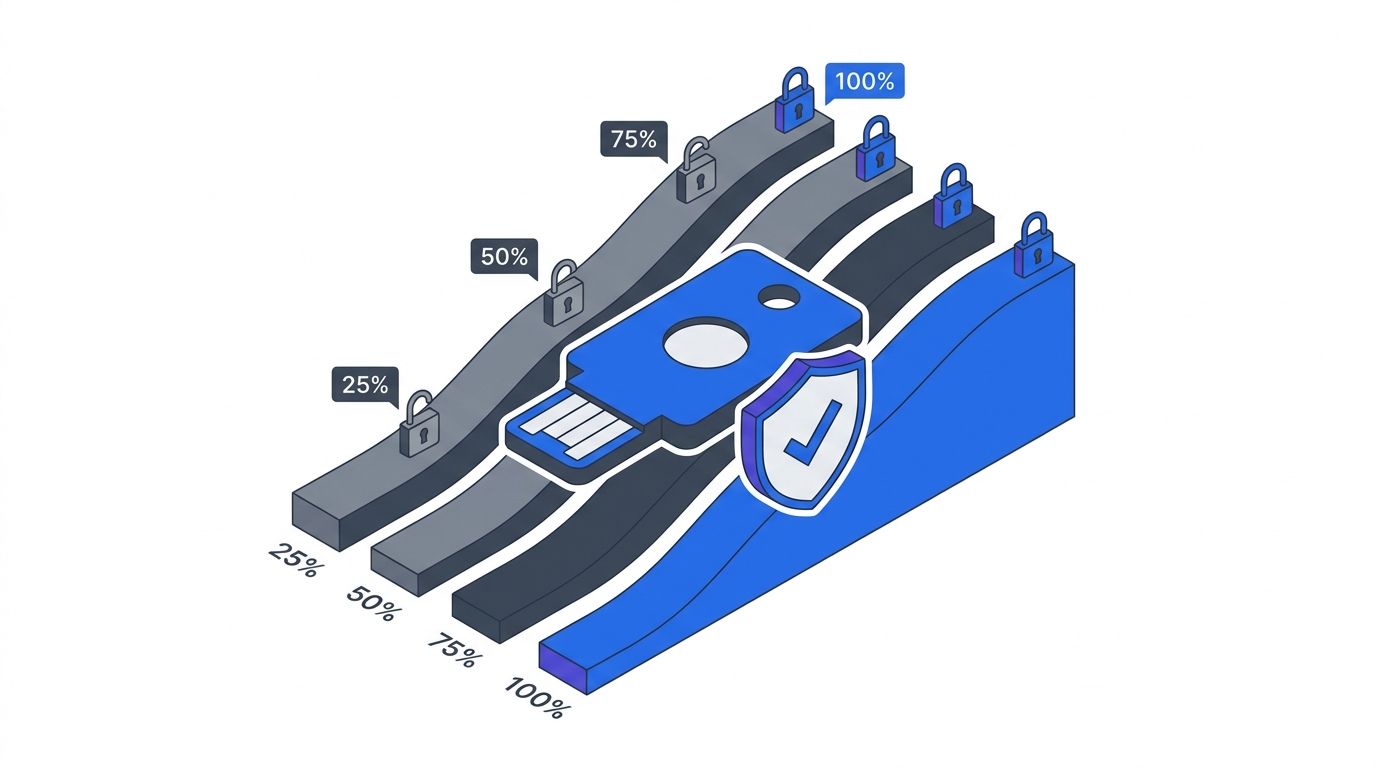
Conditional Access is where Zero Trust stops being architecture and starts being policy. It’s also where Phase 1 programs break production, unless you spend two weeks in shadow mode first. Microsoft’s own phased deployment safeguards pause rollout when sign-in success rate drops below 90%, and that threshold exists because every enterprise in production carries legacy auth, shadow IT, and VIP exceptions it doesn’t know about.
This is Phase 1, Chapter 3 of our 90-Day Zero Trust Playbook. You’ve rolled out MFA and SSO. You’ve started service account triage. Now you need to layer in context-aware access: who, from which device, from where, doing what. Conditional Access (in Entra ID) and equivalents (Okta, Duo, Ping) are where that lives. Report-only mode is the only honest way to find out what your environment actually looks like.
Key Takeaways
- Microsoft’s phased rollout safeguards pause enforcement if sign-in success drops below 90% (CIAOPS, 2025)
- IT teams typically estimate 30-40 cloud apps in use; shadow mode reveals 1,000+ (Microsoft Defender for Cloud Apps)
- 80% of employees use non-sanctioned apps with no IT review (Microsoft Learn)
- 97% of credential stuffing attacks and 99% of password spray attacks use legacy authentication (Microsoft Learn)
- Organizations that disable legacy auth see 67% fewer account compromises (CYE Security)
Why Never Enforce Conditional Access on Day 1?
Because you don’t know what will break until shadow mode tells you. Microsoft Learn’s guidance on report-only mode is explicit: policies should evaluate sign-ins without blocking them until you can confirm impact. Microsoft’s own phased rollout automatically pauses if sign-in success falls below 90%, because their telemetry shows that’s the threshold where business impact becomes visible to the CEO.
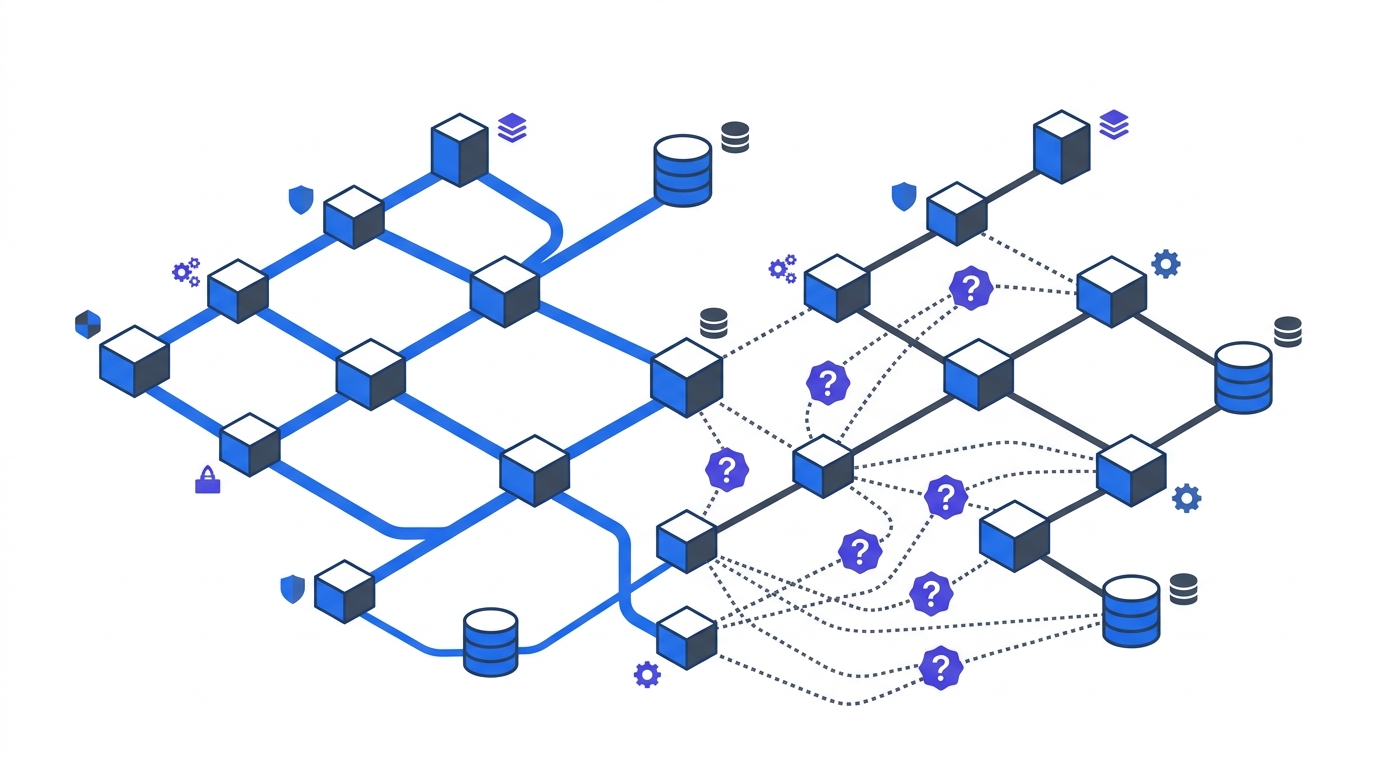
The anti-pattern is predictable: enforce immediately, block legitimate traffic, get paged at 3am, retreat to “allow all” exceptions, and six months later you discover the exceptions have become permanent. Shadow mode exists to prevent that loop. Two weeks minimum, then one policy at a time, with 48 hours between activations.
What Does Shadow Mode Actually Reveal?
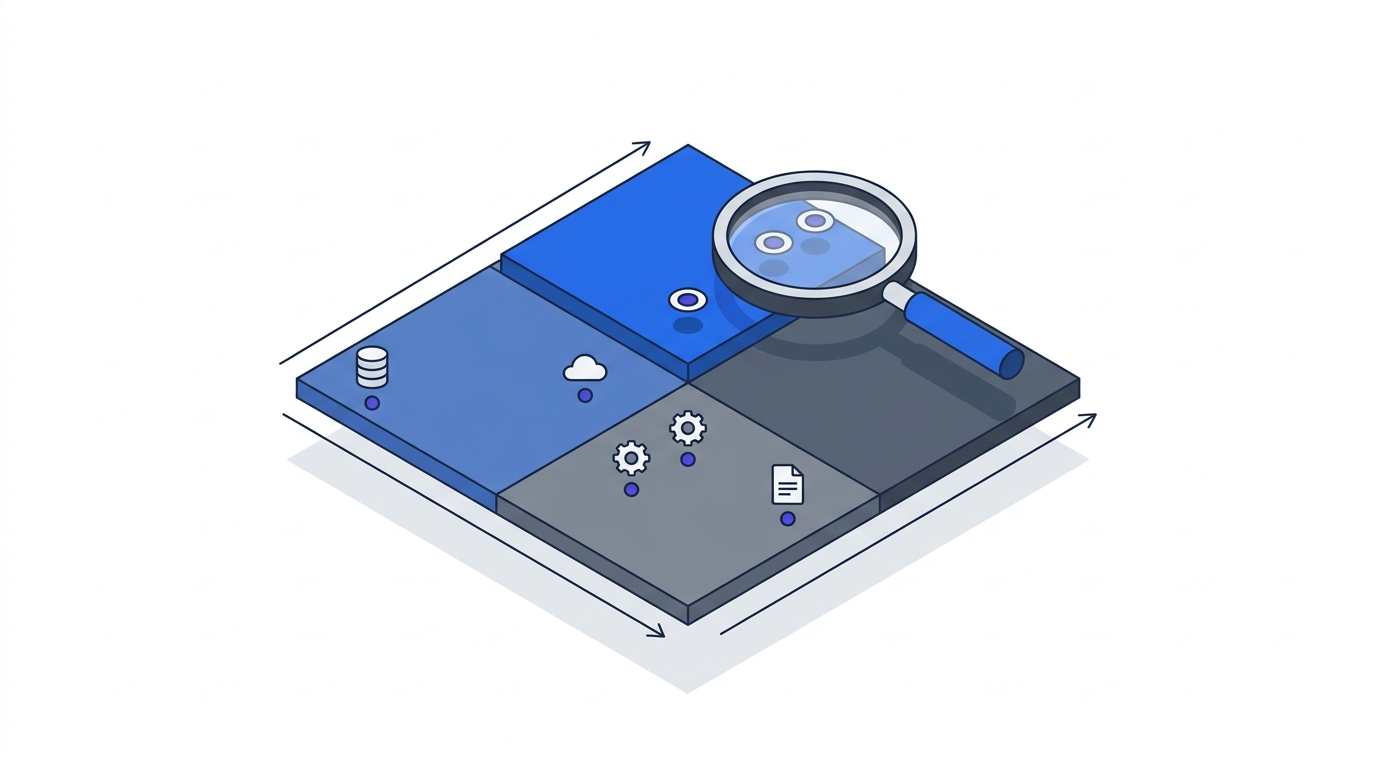
Four categories of findings, in roughly the order you’ll encounter them:
Legacy authentication, still everywhere. SMTP AUTH, POP, IMAP, ActiveSync Basic, older PowerShell. 97% of credential stuffing and 99% of password spray attacks use these protocols. Every mature org has a mail client or line-of-business integration still on basic auth, and shadow mode is how you find it before enforcement blocks a revenue-critical workflow.
Shadow IT, at 25x the volume you expected. Microsoft Defender for Cloud Apps analyzes against a catalog of 31,000+ cloud apps, and the same guidance reports IT teams typically estimate 30-40 apps in use while reality sits at 1,000+. 80% of employees use non-sanctioned apps. You cannot write a sensible conditional access policy without knowing this.
Device and configuration drift. Devices offline during Intune sync, enrollment gaps, scoping errors, compliance state not reflected in Entra ID at token issuance. Microsoft’s own documentation lists these as the most common causes of false enforcement decisions.
VIP non-compliance. The political landmine. Executive devices that were never enrolled, break-glass accounts that bypass MFA, service accounts running under interactive user identities. MSEndpointMgr’s implementation guidance calls this out specifically: VIP exclusions become permanent unless governance addresses them before enforcement.
How Long Should Shadow Mode Run?
Two weeks minimum, four weeks preferred. One business cycle of whatever dominates your workload (month-end close, sprint boundary, retail peak) should sit inside the observation window. Microsoft’s phased deployment model assumes this cadence: monitor, then canary, then one business unit, then company-wide, with 48+ hours of stability between each step.
Rushing this is the single most common Phase 1 failure. ZTA programs that stall most often stall at the enforcement boundary, not at the architecture design. Two weeks of shadow mode is cheaper than two months of retreat.
What Goes Into the Exception Workflow?
Every enforcement decision generates exceptions. Build the workflow before you need it, or the exceptions will become permanent bypasses. A workable template has five fields:
- Business justification written by the app owner, not the security team.
- Risk assessment from the CISO delegate, including blast radius if the exception is abused.
- Compensating controls in place for the duration (network isolation, enhanced logging, stricter device requirements).
- Expiration date, maximum 90 days, no auto-renewal.
- Review owner who sees every exception at the steering committee’s standing agenda.
The Microsoft Tech Community’s RBAC guidance documents how proper exception management lifts compliance from 65% baseline to 95% within 12 months. The same organizations that skipped the template stayed at 65%. The template is the compliance delta.
Which Policies Should Ship First?
Start with the policies that address the findings from shadow mode, in priority order:
- Block legacy authentication. The single highest-value policy. 67% fewer compromises when legacy auth is disabled. Scope: all users, all cloud apps. Exception path: documented legacy clients with migration plan and 90-day expiration.
- Require MFA for admin roles. Global admins, privileged role assignments, conditional access administrators. No exceptions without CISO sign-off.
- Require compliant device for sensitive apps. Scope limited initially to the Tier 1 applications from your Application Criticality Scorecard. Expand after two weeks of stability.
- Block sign-in from high-risk locations. Impossible travel, atypical IPs, anonymizer services. Start with report-only, then enforce on privileged users, then company-wide.
Each policy gets its own shadow mode window. You don’t batch-activate four policies on a Tuesday and go to lunch.
How Do We Handle the VIP Problem?
Directly, with executive sponsorship. VIP exclusions are the most corrosive pattern in Zero Trust programs. MSEndpointMgr calls this out as the mistake that makes the rest of the policy theoretical. The fix is counterintuitive: make executives the pilot group, not the exception.
The governance logic is simple. If the CEO can’t or won’t use MFA on a compliant device, the program has no credibility. If the CEO does, every other VIP exception loses its political cover. This is a governance structure decision, not a technical one, the steering committee must own it.
FAQ
How long should we run Conditional Access in report-only mode?
Two weeks minimum per policy, four weeks preferred, covering at least one full business cycle (month-end, sprint boundary, peak trading period). Microsoft’s phased rollout pauses automatically if sign-in success drops below 90% during shadow mode, which is the threshold to aim for before enforcement.
What’s the difference between report-only mode and disabled?
Report-only mode evaluates the policy against every sign-in and logs the result, but does not block access. Disabled policies are not evaluated at all. Shadow mode is specifically report-only, giving you telemetry on what would happen under enforcement without the business impact. Microsoft Learn covers the mechanics in detail.
How do we discover shadow IT during rollout?
Enable cloud app discovery in your identity platform. Microsoft Defender for Cloud Apps scans against a 31,000+ app catalog, and equivalents exist in Netskope, Zscaler, and Palo Alto. Expect to find 20-30x more apps than IT estimates, with 80% of employees using unsanctioned apps. Discovery is not optional for sensible policy design.
What if blocking legacy auth breaks a critical workflow?
That’s why you run shadow mode. The discovery report shows exactly which users, apps, and protocols are affected before enforcement. For each, the decision is upgrade to modern auth, front with an auth proxy, network-isolate, or decommission, the same decision tree covered in our MFA and SSO rollout guide.
Should we use named locations or risk-based policies?
Both, in sequence. Named locations (trusted IPs, country blocks) are simple and high-signal for early policies. Risk-based policies (impossible travel, atypical sign-in patterns) require Entra ID P2 or equivalent and deliver more value once your baseline stabilizes. Start simple in the first 30 days, layer risk signals in the next 60.
How do we handle service accounts in Conditional Access?
Exclude them from user-targeted policies and cover them in the service account triage program instead. Applying Conditional Access to service accounts without the machine-identity program in place breaks automations without improving security. The two workstreams must run in parallel.
What’s the biggest mistake organizations make in Phase 1 Conditional Access?
Activating too many policies too quickly. MSEndpointMgr’s implementation guidance documents a consistent failure mode: four to five policies shipped in the same week, legitimate traffic blocked, exceptions granted to restore business continuity, exceptions never revoked. One policy at a time, 48 hours between, is the pattern that works.
Where This Fits in the 90-Day Playbook
Phase 1 ends with identity under control: humans on phishing-resistant MFA, machines on triaged service-account credentials, and context enforced through Conditional Access. Phase 2 can then layer device trust and network baselining on top of a known-good identity foundation. For the governance rigor that keeps exception management from collapsing, see Building Your Zero Trust Governance Structure. For the metrics that prove Phase 1 worked, see Zero Trust Baseline Metrics.